


The Core Principle
Decades of research show that learning is more effective when it requires effort. Scientists call this “desirable difficulty.” The three key ideas below are all built on this principle of making learning deliberately hard.


“Memory is the mother of all wisdom.”Aeschylus
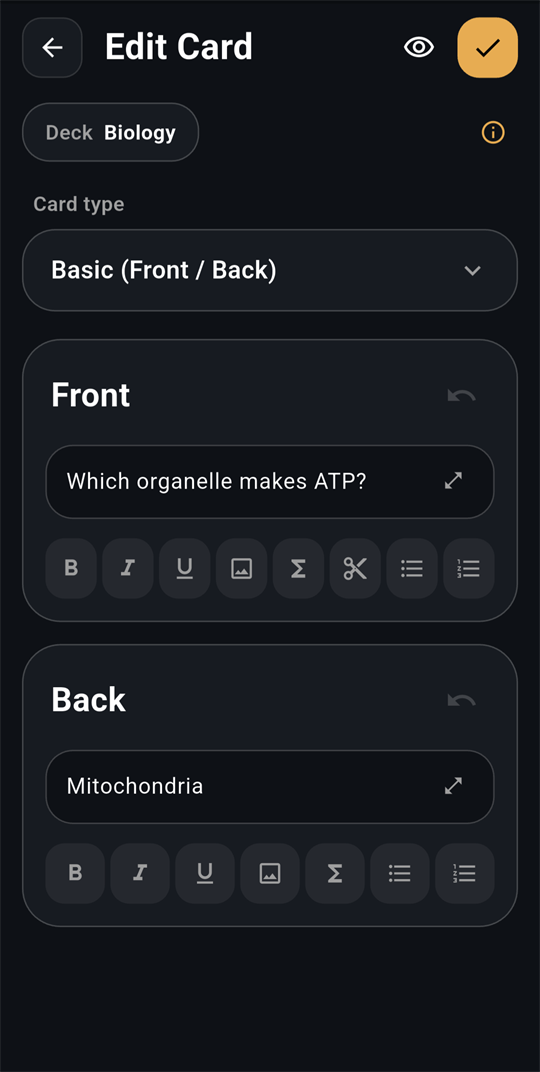
Make flashcards for exams, languages, or anything you want to remember. Built on learning research, YaadEngine brings back what you have learned just before you would forget it, so you spend less time re-studying what you already know.

Coming soon


Demo
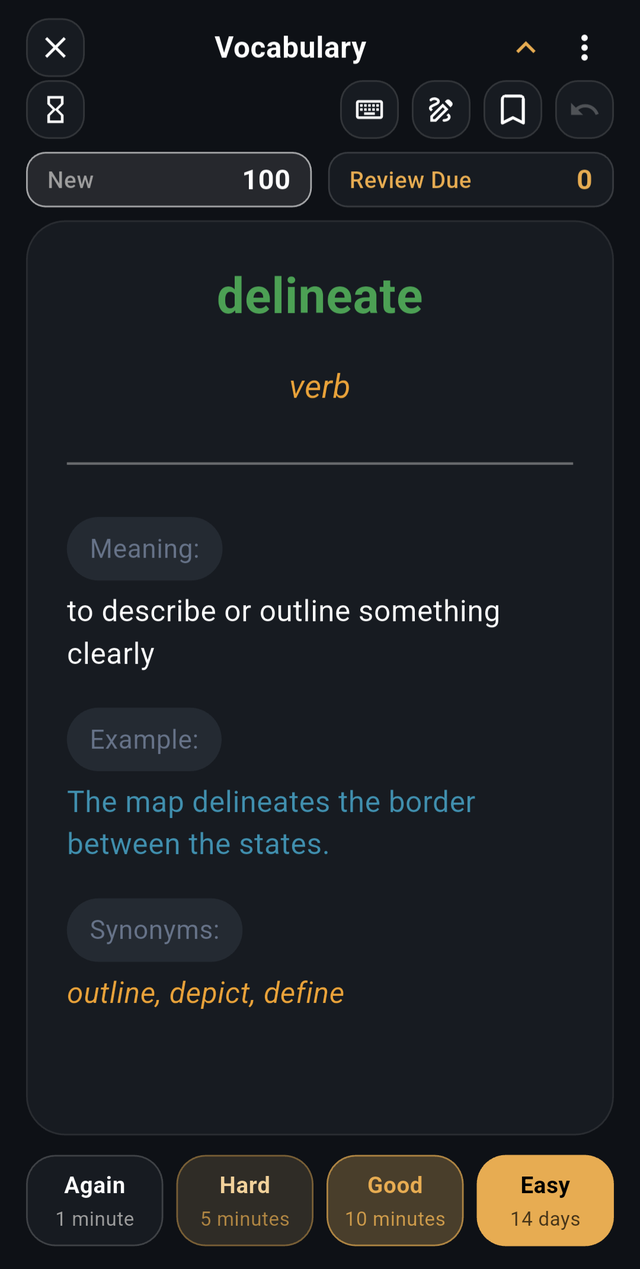
Every time you answer a question correctly, YaadEngine waits longer before asking it again.
Try it below:
The science
YaadEngine does not invent a new way to learn. It brings three key ideas from memory science and one of the world’s most accurate spaced repetition algorithms together in one app, so what you learn truly stays with you.
Decades of research show that learning is more effective when it requires effort. Scientists call this “desirable difficulty.” The three key ideas below are all built on this principle of making learning deliberately hard.

Rereading is easy, and recalling is hard. When you try to remember something without looking at the answer, your brain has to dig it out of your memory, which strengthens the neural pathways and makes the memory more durable. Scientists call this the “testing effect.”
Each successful recall pushes the next one further out.
Recalling a lesson just as you’re about to forget it takes real effort, and that effort is what makes learning more effective. Each time you remember a lesson, the gap before the next recall grows, so recalling stays challenging. It also saves you time, because you never re-study what you already know. You only recall it when you’re about to forget.
Interleaving is the process of mixing different topics or subjects while studying. It forces your brain to constantly pause and choose a different approach for each new type of problem, instead of solving on autopilot.
YaadEngine uses FSRS, a modern algorithm that decides when you should recall each lesson. It keeps track of three factors:
Based on these factors, the algorithm schedules your next recall session right before you’d forget.
Features
The app has tons of features, but the design stays minimal and uncluttered. It’s easy to understand and simple to use.
Start a sand timer on the review screen and see how long each answer takes. Set a limit for a card, deck or folder, watch the countdown, hear a beep, and let the card answer itself when time runs out.
Sign in with Google and choose how often and at what time of day you want automatic backups. Your whole library is kept in your own Google Drive, and you can restore it on a new phone.
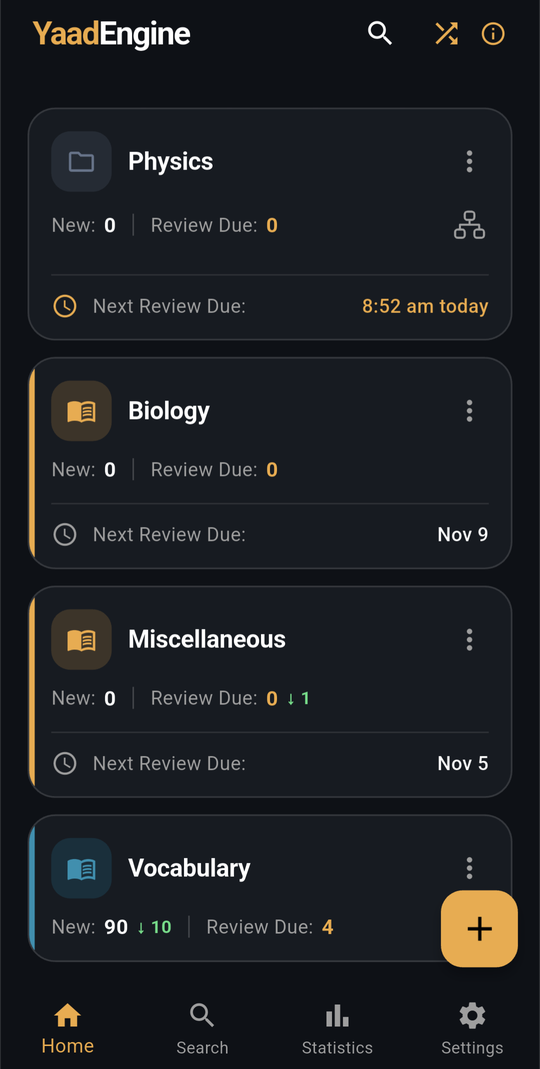
Press and hold a deck or a folder, then drag it into a folder, or back to Home. Arrange your library the way you think about it.
Interleaving mixes your decks instead of finishing one topic before the next, which helps you remember longer. It is on by default, and the shuffle button on Home turns it on or off.
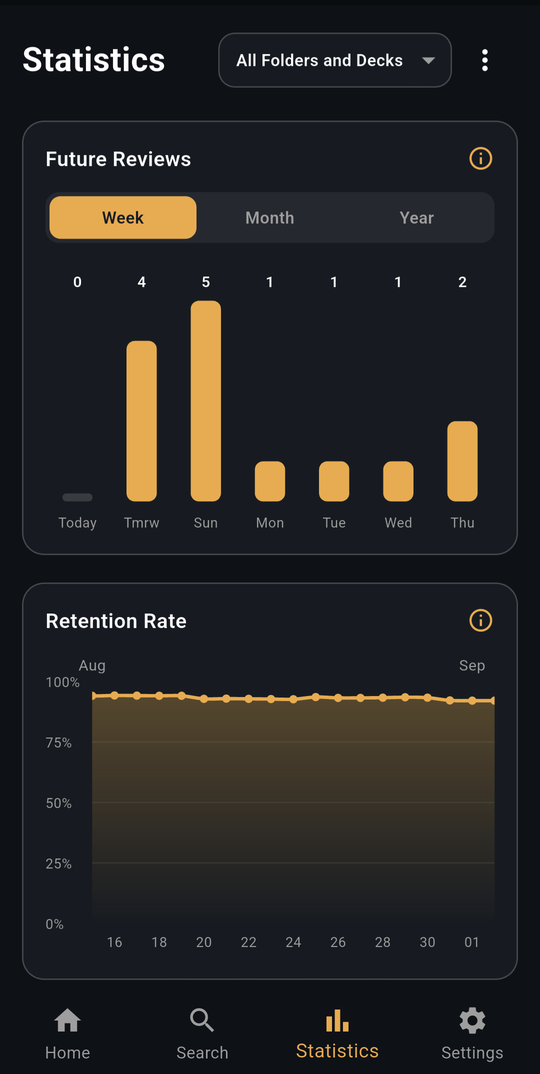
Choose the statistics you want to see and drag them into the order you like. You can also filter them by deck or folder.
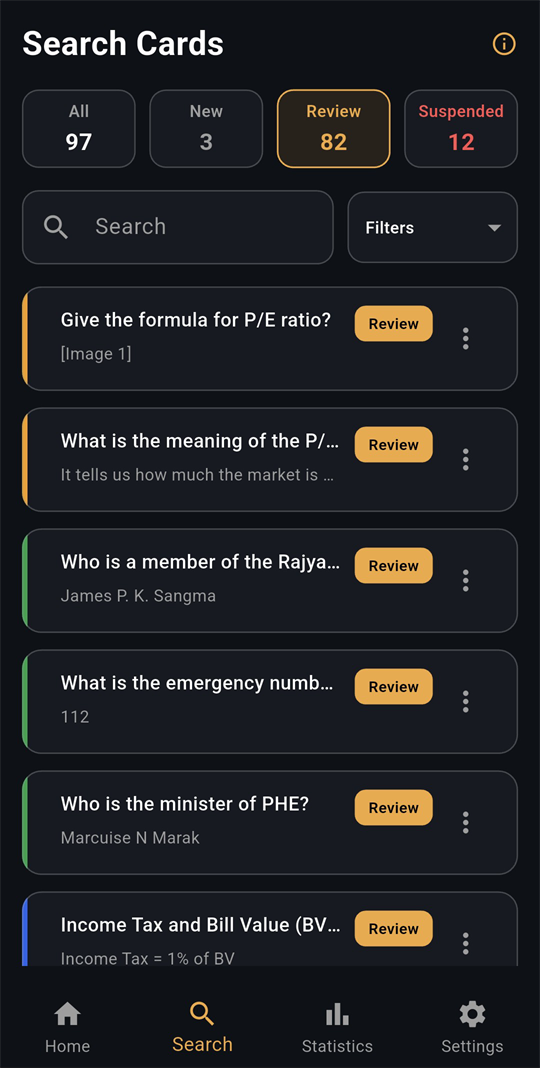
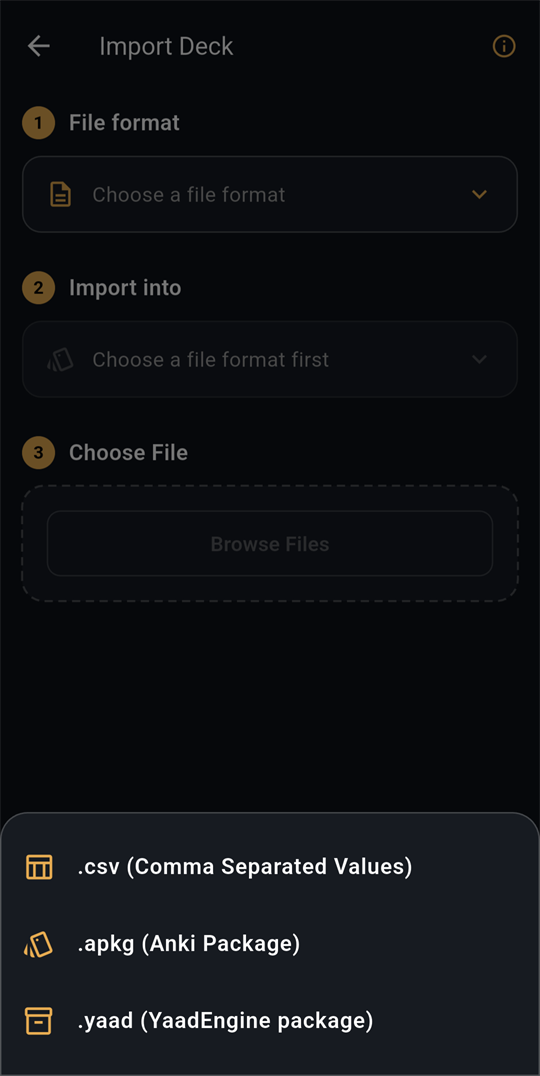
There is more in the app: Anki and CSV import, search across every card, bookmarks, study reminders, swipe gestures on the review screen, etc.
Screens
Coming soon